You're putting hours into content, but featured snippets and AI Overviews still feel out of reach. The missing piece? Understanding exactly what your audience asks-and what Google rewards. With AutoSEO.cloud's SEO Plus plan, you get targeted PAA research for SEO and a prioritized keyword report so you can build content that actually captures those high-value positions.
Problem Background
AutoSEO Analysis: Strategic implementation results.
Traditional keyword research focuses on volume and competition, but it often misses the nuanced questions users type into search. Google's "People Also Ask" boxes have become a goldmine for understanding real user intent. Yet most SMBs and agencies rely on manual scraping or expensive enterprise tools to gather this data, leaving PAA insights underutilized. Meanwhile, AI Overviews and featured snippets increasingly pull content from question-based queries. Without dedicated PAA research for SEO, your content strategy risks answering the wrong questions-or none at all.
Core Concept
PAA research for SEO means systematically extracting the questions that appear in Google's "People Also Ask" section for your target keywords. These questions reveal the exact information gaps your audience has. By organizing them by search frequency and difficulty, you can prioritize content that directly answers what users are looking for. AutoSEO.cloud's SEO Plus plan automates this process, turning PAA questions into a structured keyword report. It functions as both a People Also Ask optimization tool and an SEO keyword report generator, giving you a clear roadmap for content that aligns with modern search behavior.
Practical Approach
To get started, enter your seed keyword into the SEO Plus dashboard. The system instantly scrapes the top PAA questions related to that term, filtering out duplicates and low‑relevance queries. Next, it generates a keyword report with monthly search volume, keyword difficulty, and estimated click‑through rates. You can sort by difficulty to focus on low‑hanging fruit or by volume to tackle high‑impact topics. Use these insights to create pillar pages or blog posts that each target one or more of these questions. The result: a content plan that directly addresses the queries Google is surfacing-and more likely to land featured snippets and AI Overviews.
Common Mistakes
Many marketers treat PAA questions as an afterthought, only checking them after content is published. Others rely on single‑keyword targeting and ignore the conversational nature of PAA queries. A common pitfall is not prioritizing questions by difficulty-writing only for low‑volume or overly competitive terms. And some teams skip the keyword report entirely, missing the opportunity to align PAA research with search volume and difficulty data. Without a dedicated People Also Ask optimization tool, you also risk manual errors and inconsistent question gathering.
How AutoSEO.cloud Helps
AutoSEO.cloud's SEO Plus plan combines PAA extraction and keyword reporting into one seamless workflow. It goes beyond basic scraping by applying AI to group similar questions, estimate their value, and export them into a ready‑to‑use report. As a People Also Ask optimization tool, it surfaces not just the questions but also suggested answer lengths and common word patterns. And as an SEO keyword report generator, it delivers search volume, difficulty, and opportunity scores so you know exactly which topics to tackle first. The plan is built for agencies and SMBs that need scalable, data‑driven content strategies without the overhead of enterprise tools. Whether you're building topical authority or optimizing for AI Overviews, this feature set turns PAA research into a repeatable, results‑driven process.
FAQ
How does PAA research improve my SEO?
PAA research uncovers the exact questions your audience is asking, allowing you to create content that directly answers those queries. This increases your chances of appearing in featured snippets, AI Overviews, and the People Also Ask boxes themselves, driving more organic traffic.
What's included in the keyword report from SEO Plus?
The report includes monthly search volume, keyword difficulty, estimated click‑through rate, and a prioritization score. It also groups related PAA questions so you can see topic clusters at a glance.
Can I use AutoSEO.cloud's SEO Plus plan for featured snippet optimization?
Absolutely. The PAA research highlights exactly the question formats that trigger featured snippets. By crafting concise, direct answers for these queries, you significantly boost your chances of winning the snippet position.
How often should I run PAA research for my target keywords?
We recommend running it monthly for high‑priority keywords, as PAA questions can change over time. The SEO Plus plan makes it easy to re‑run reports and track shifts in question popularity and difficulty.
Is the SEO Plus plan suitable for agencies managing multiple clients?
Yes. The dashboard allows you to create separate projects for each client, generate unlimited PAA reports, and export keyword data. It's designed to scale with your agency's workload.
CTA
Ready to turn PAA questions into page‑one rankings? Start your free trial of AutoSEO.cloud's SEO Plus plan today and get your first PAA research report and keyword report instantly. No credit card required.
Internal Link Suggestions
- Link to [Which AutoSEO.cloud Plan is Right for Your Business? Standard vs. SEO Plus vs. Authority System]
- Link to [Is AI-Generated Content Safe for Google? Compliance and E-E-A-T with AutoSEO.cloud]
- Link to [How AutoSEO.cloud Works: From Keyword Research to AI-Optimized Articles]
- Link to [How to Scale Your Content Marketing with AutoSEO.cloud's Bulk SEO Articles]
- Link to [Build Topical Authority with AutoSEO.cloud's Authority System: A Step-by-Step Plan]
Image Prompts
- Hero image: A 3D SaaS-style dashboard with glassmorphism elements on a white background. Prominent in the center is a glowing report card titled 'SEO Plus Plan' with floating 'People Also Ask' question bubbles in royal blue and cyan, and a keyword report listing search volume and difficulty metrics. Clean, well-lit, no clutter; royal blue, blue-purple, and cyan palette.
- Concept explanation image: An illustration of a 3D magnifying glass over a set of 'People Also Ask' boxes (styled as glass cards) on an off-white background. Light rays in blue-purple highlight a few questions, with a small keyword report icon emerging from the magnified area. Glassmorphism effects, clean lines, and a bright, airy feel.
- Product workflow image: A step-by-step 3D workflow on a white background: three glassmorphic panels connected by cyan arrows. Step 1: input a seed keyword into a search bar. Step 2: a dynamic 'People Also Ask' question list appears. Step 3: a prioritized keyword report with search volume and difficulty columns. All elements in royal blue, blue-purple, and cyan gradients, with subtle glass reflections.
Disclaimer
Results may vary based on industry, competition, and content quality. AutoSEO.cloud provides data and tools to support SEO strategies but does not guarantee specific ranking positions or featured snippet placements.
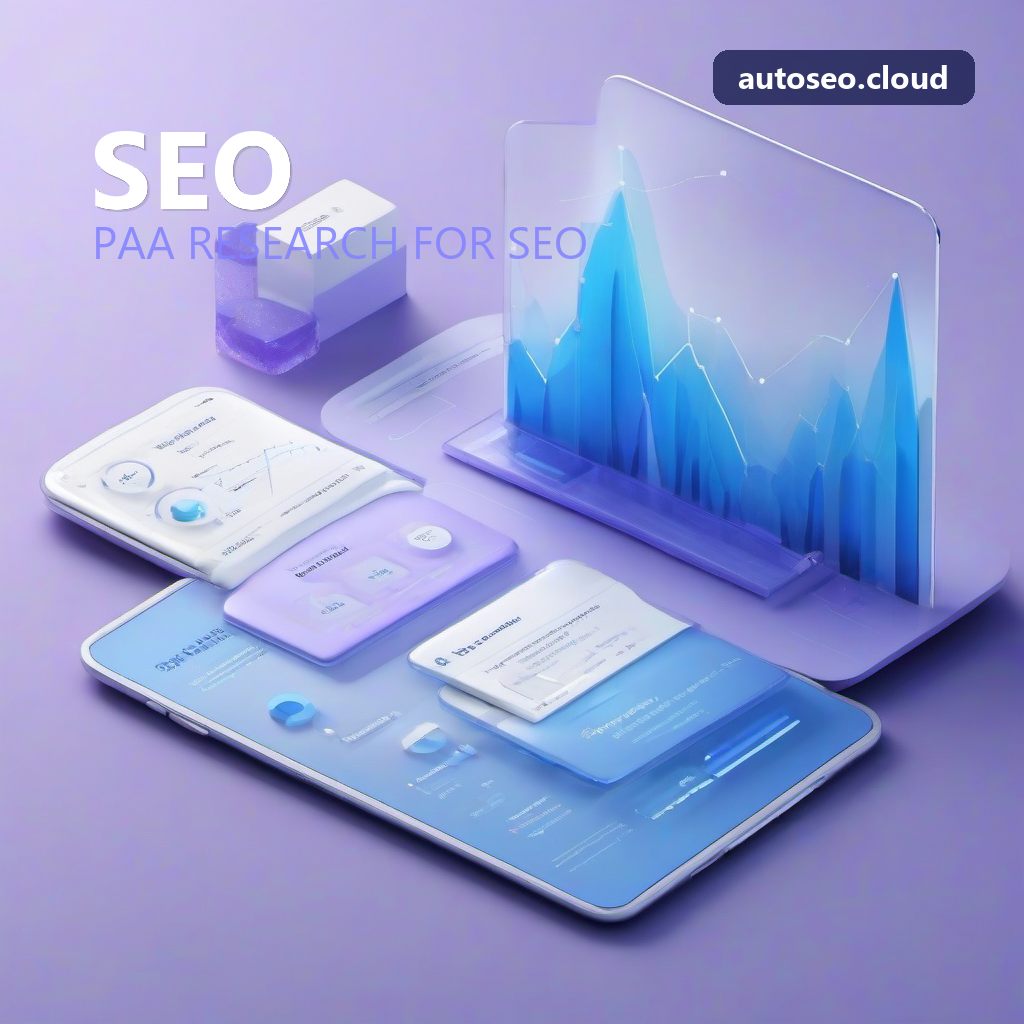
AutoSEO Impact: Verified traffic growth.